# Log in to the Smart Jobsite For Revit Add-on
### How to log in to the Smart Jobsite for Revit Add-on ?
Your Smart Jobsite account can be use to connect to the website, the mobile app and the Revit add-on.
If you already signup on the website or the mobile app you don't need to create a new account
You first have to install the Smart Jobsite For Revit Add-on.
Then From revit you need to open a project.
You will have access to the "Smart Jobsite" tab.
Click on the "Login" button.
[](https://bookstack.smartjobsite.com/uploads/images/gallery/2020-12/image-1606852142259.png)](https://bookstack.smartjobsite.com/uploads/images/gallery/2020-12/scaled-1680-/image-1606852180330.png)](https://bookstack.smartjobsite.com/uploads/images/gallery/2020-12/image-1606852180330.png)
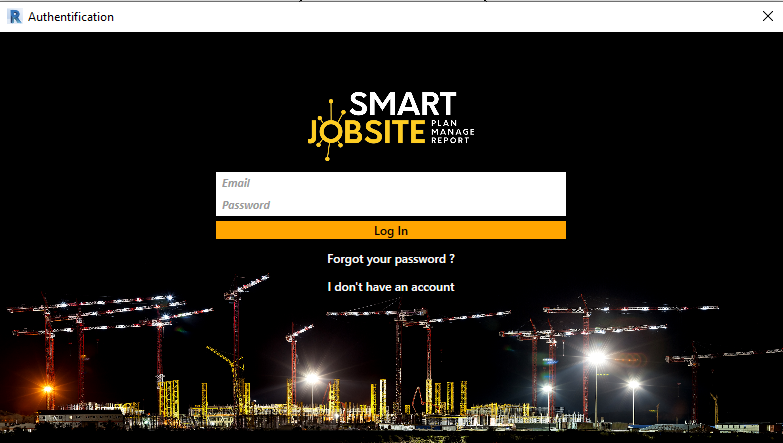
The following panel will open
[](https://bookstack.smartjobsite.com/uploads/images/gallery/2020-12/image-1606852314127.png)
To log in enter your email and password and click on "Log In"